Voice and video rooms
Drop into a voice chat with your friends, shout commands during a guild raid, or back seat drive your friend's TFT game.
Self-hosted serversEncrypted chatPublic beta
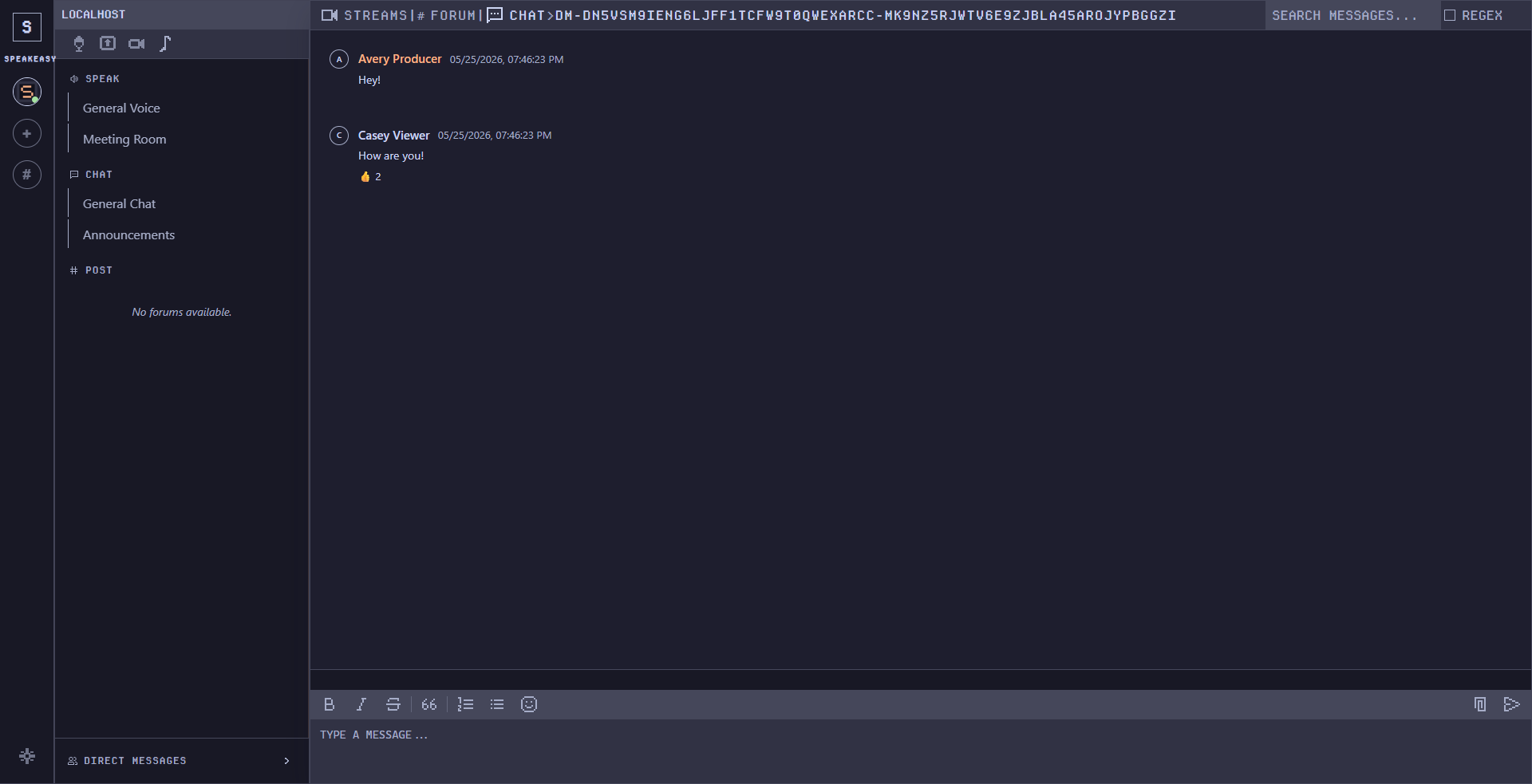
Speakeasy.im is a self-hostable communication app for Windows and Linux: text chat, voice rooms, high-performance screen sharing, process-specific audio capture, global push-to-talk, and MLS-based end-to-end encryption for private conversations.
Own your private communications.
Speakeasy is in public beta. Windows and Linux are supported today. Mac, native iOS/Android apps, social login, hosted servers, and an independent security review are not finished yet. We keep an honest list: known limitations · threat model · security policy. Want to run a server and help harden it? Founding Host beta applications are open.
Speakeasy is built on the foundation that you should own your private communications on your own hardware on your own terms without relying on a central authority such as Discord or Signal. Source available for full auditing and customization.
Drop into a voice chat with your friends, shout commands during a guild raid, or back seat drive your friend's TFT game.
Watch screen shares without joining rooms. Rearrange and resize shared windows freely while multiple streams live together.
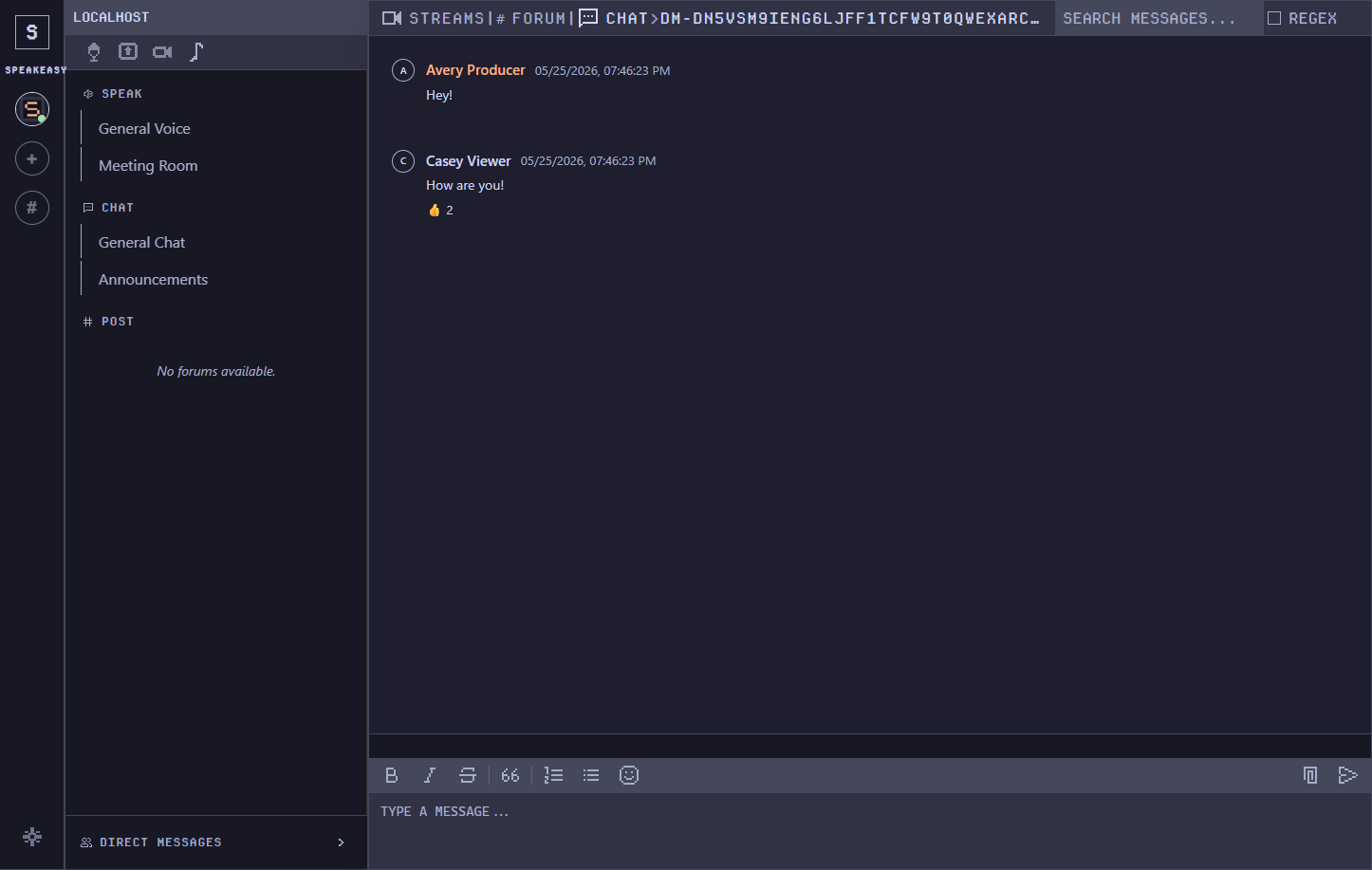
Text chat, voice channels, and group messages with built in voice calls -- all still end to end encrypted.
Run it yourself, audit the source, tune the server, and customize the setup for the way your community actually hangs out.
Speakeasy.im is for people who want to own the box, the network path, and the rules. The barrier to entry stays low: run a Speakeasy server from a regular Windows PC with a GUI-driven setup, including tutorials and support for common residential ISPs.
Current self-host package paths in this repo include a Debian package, a tar/install.sh bundle, an offline Docker bundle with local image tar, and a local strict Snap package. The Windows path is built around running a server from a regular PC without living in a terminal.
Source code, install files, and installation tutorials are available on Patreon. Click here for the docs page for more information.
Patreon access is for people who want to run early server builds, read the source, influence what gets built next, and talk directly with the creator while Speakeasy.im is still moving fast.
Grab the desktop client for your platform. Server access and source are available through Patreon.
4 public client downloads available.
A self-hostable communication app for voice/video rooms, screen sharing, encrypted text chats, private DMs, private groups, and public forums.
Install the desktop client, add the server address from your host or community admin, then sign in. The full walkthrough belongs in docs.
Yes. The goal is self-hosting on your own Windows PC or Linux server, including setups that live behind a normal residential ISP connection.
The current self-host package work in this repo covers a Debian package, a tar/install.sh bundle, an offline Docker bundle with local image tar, and a local strict Snap package. The Windows path is installer-driven setup for running a server from a regular PC.
Private chats, private groups, DMs, voice/video room media, attachments, history transfer, and device delivery use MLS based end to end encryption. Public forums are for public long form discussion.
Not yet. Private conversations use MLS-based end-to-end encryption built on an established Rust MLS implementation, but no independent third-party audit has been completed. We say exactly what that means — including what the server can still see — in the threat model.
Speakeasy is source-available, not open source: supporters get access to the source for auditing and customization, but it does not carry an open-source license. The desktop client itself is free to download and use.
SHA-256 hashes for every release are published in the release manifest and shown on the download cards. Step-by-step verification: release verification guide.
Live at /docs/: quickstart, client installs, self-host server setup, push-to-talk, screen sharing, process audio, backups, and troubleshooting.
Support Speakeasy.im on Patreon or contact us on X (Twitter).